


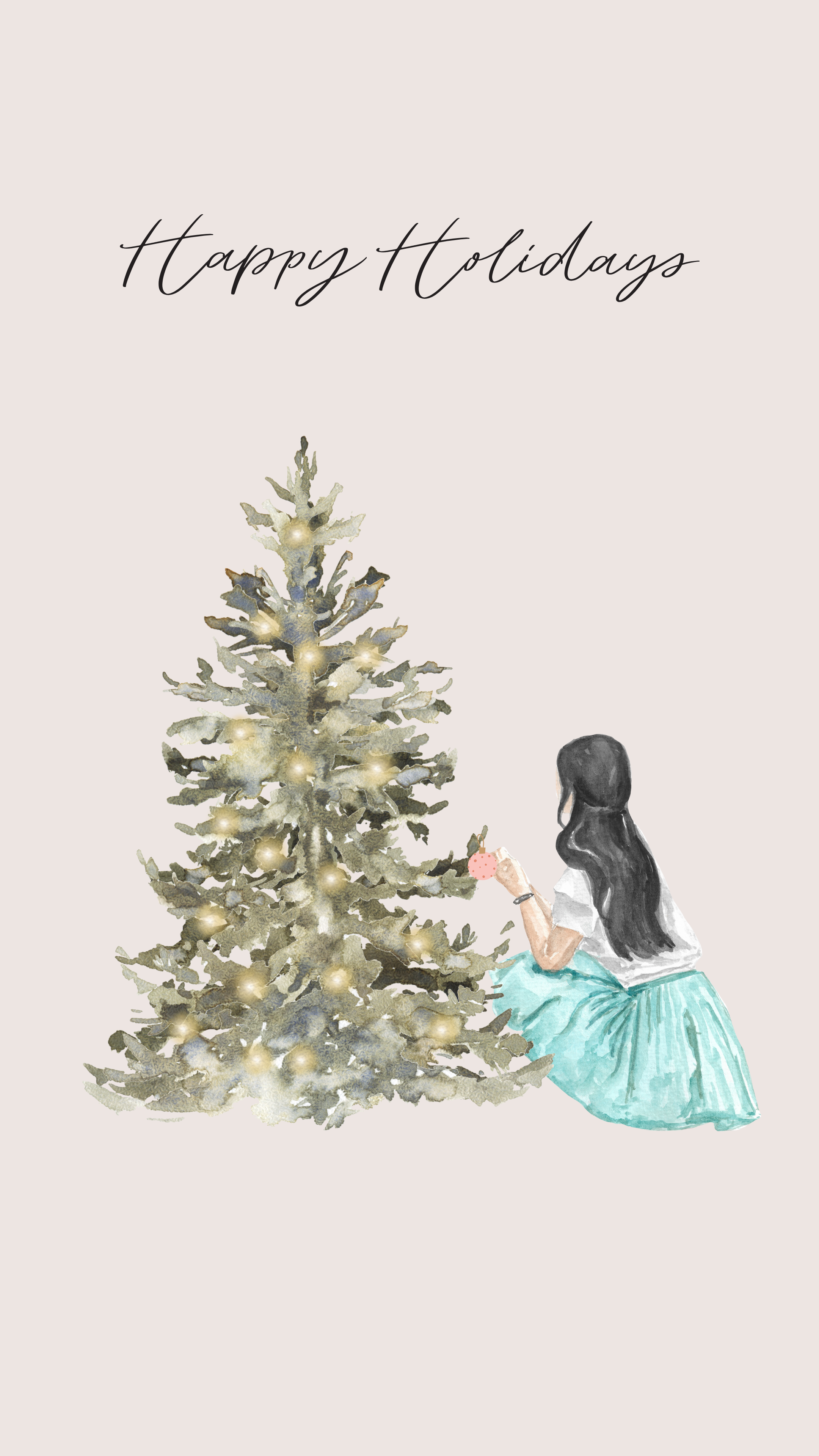

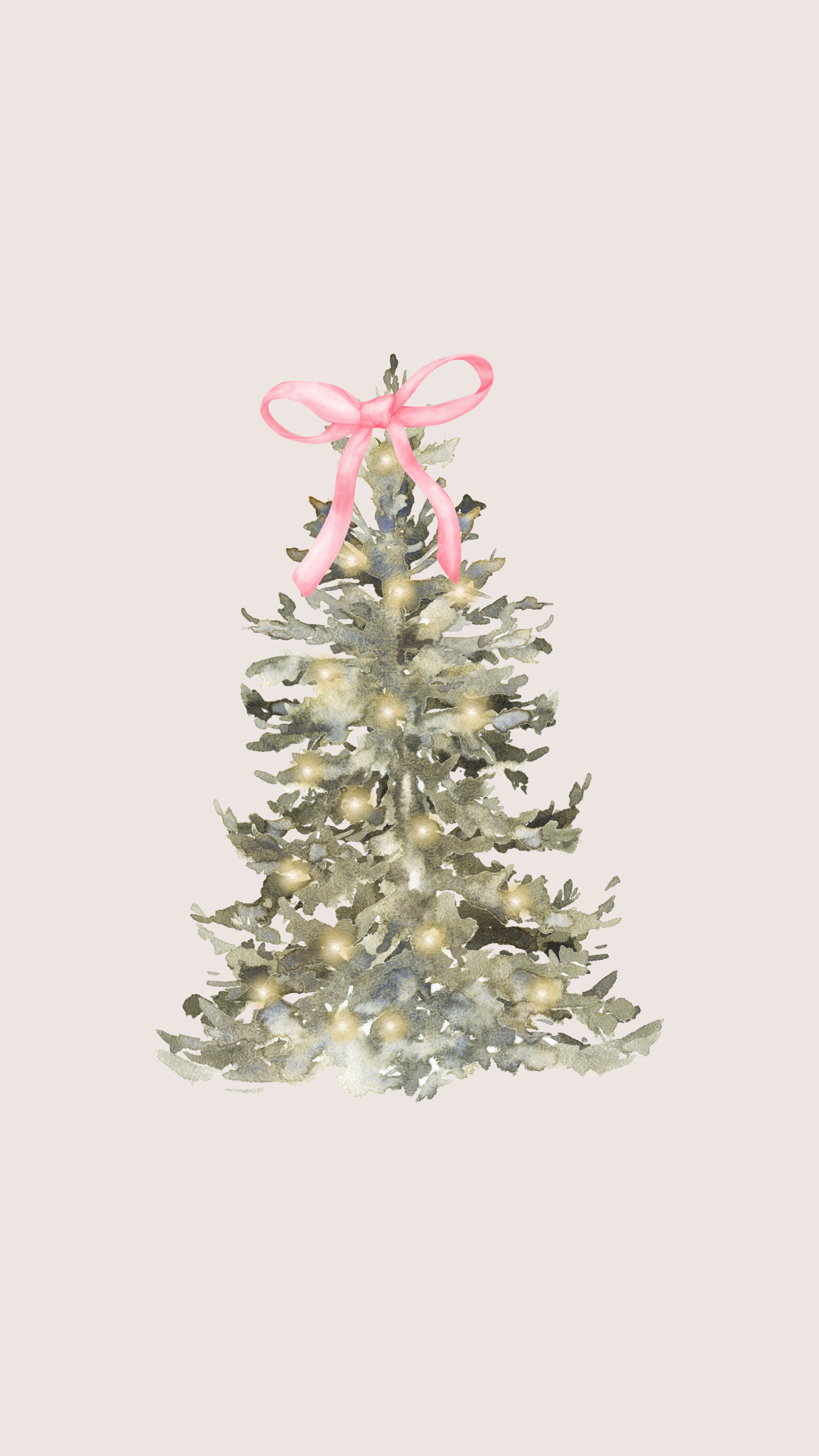

Looking to give your iPhone a dreamy winter makeover? Our collection of coquette aesthetic wallpapers brings together soft pastels, delicate snowflakes, and dainty pearls to transform your screen into a winter wonderland. Perfect for adding a touch of feminine charm to your daily life, these backgrounds will make every notification feel like a magical moment.
This year we’ve added five brand-new designs in the season’s dreamiest palette — soft cool blues, storybook woodland touches, and handwritten romance — so there’s a lockscreen here for every winter mood. Scroll down, tap Download on the ones you love, and save them all for free.
How to Set Your New Winter Wallpaper on iPhone
- Tap Download under the wallpaper you love and save it to your Photos.
- Open Settings › Wallpaper › Add New Wallpaper (or long-press your lockscreen and tap +).
- Choose Photos, pick your winter design, adjust the position, and tap Add › Set as Wallpaper Pair.
Want to surprise your sister with the perfect Christmas gift that shows you actually get her unique

Transform your device into a winter wonderland with our handpicked collection of winter snow wallpap

Feeling like your phone needs a touch of winter magic? Our enchanting collection of Winter Village w


Pingback: 15 Aesthetic Bedtime Routine Ideas That Look Like Pure Magic